
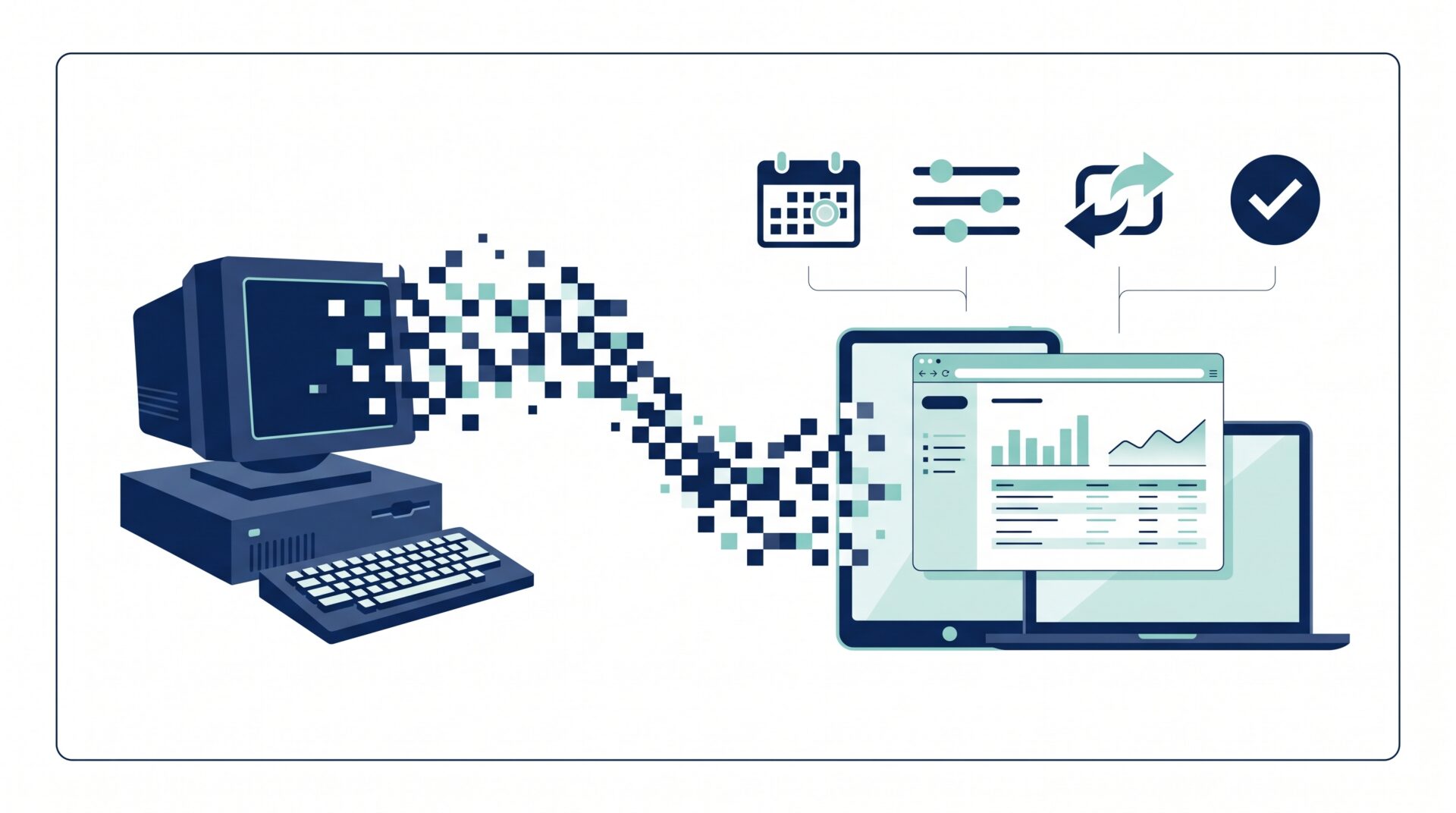
CCH Axcess Report Manager will be disabled after June 15, 2026. The same reports move to the CCH NextGen Reports Manager, which runs in any modern browser on any operating system. Most firms will treat this as a UI change. The bigger shift is what becomes possible after that date, and the fifth implication below is the one most CPA firms have wanted for years.
What Changes When CCH Axcess Report Manager Is Disabled?
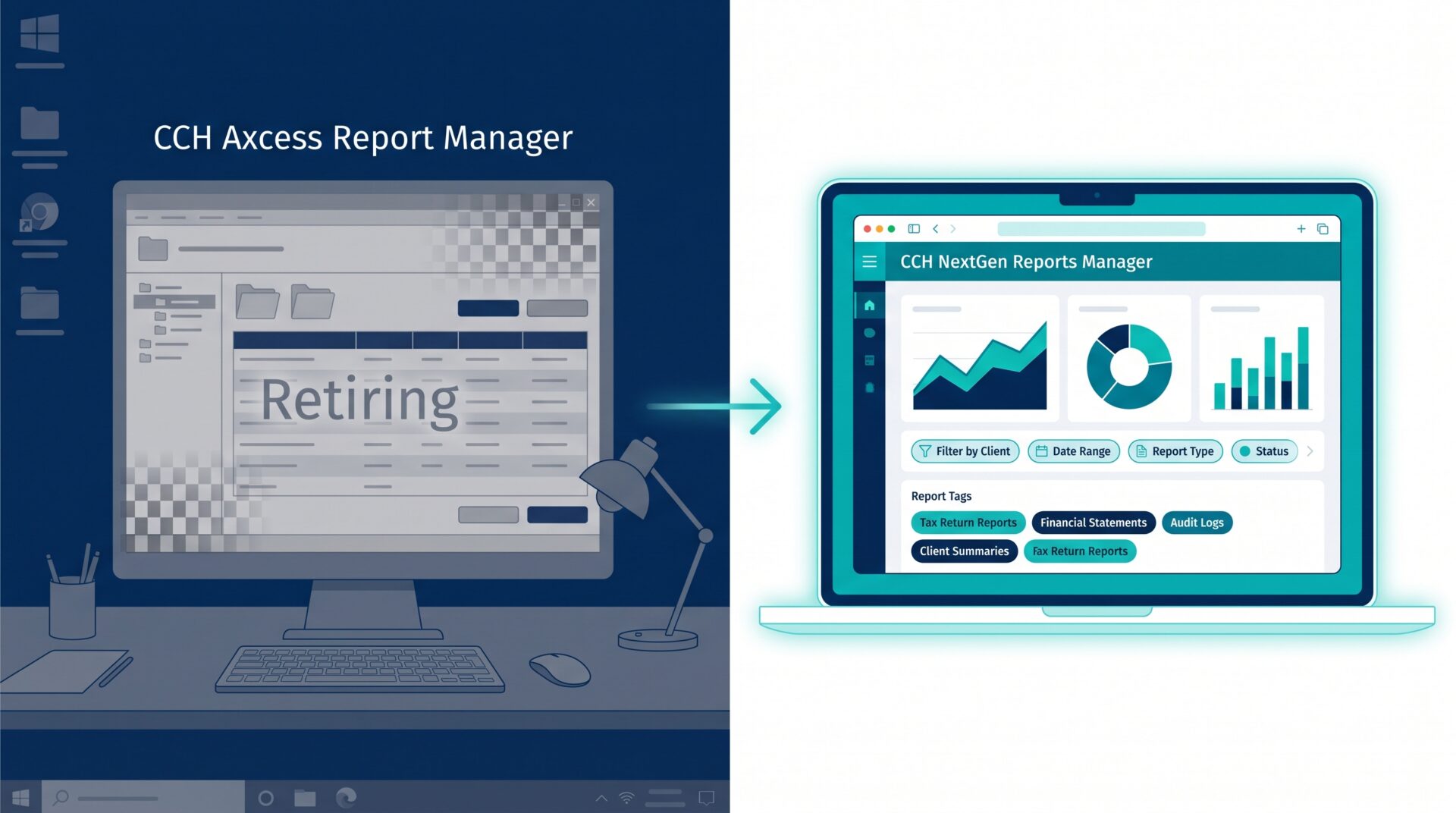
Wolters Kluwer’s official software notice (SN-0294) confirms the deadline and the migration path. The change is bigger than it looks on the surface. Moving from a Windows desktop app to a browser-native interface affects three operational layers for CPA firms at once: who can run reports, how reports are managed day to day, and what the firm can build on top of CCH data. The five implications below walk through each layer in order.
What Are the 5 Implications of the CCH NextGen Reports Manager?
1. Advanced customization in the desktop designer goes away. This is a highly advanced, technical feature of the legacy report system. Most firms wouldn’t rely on it heavily anyway, but if you do, you would need to rebuild it in other ways, for example, by configuring new reports or building a custom report directly from the Data Axcess Utility (DAU) database.
2. Mac access, finally. CCH reports become available from macOS machines. This matters most to partners and executives who run their day-to-day work on a Mac. Until now, pulling a quick WIP or AR report meant finding a Windows Virtual Machine or asking someone else to do it.
3. Multi-select filters and tags. The NextGen interface lets staff filter and tag reports for faster access. A partner who runs the same six reports every Monday can tag them once and stop hunting through folders.
4. Report sharing. Reports with specific configurations can be shared directly with team members for collaboration. This replaces the email-the-export workflow most firms still rely on.
5. CCH reports can finally be automated end-to-end. The NextGen Reports Manager runs in a browser, which means firms can drive it with Selenium, Microsoft Power Automate, or ChromeDriver on a schedule.
The first implication is that firms need to scope only the loss before migration; the next three deliver immediate productivity gains; the fifth opens an operational capability that CPA firms have asked CCH about for years.
End-to-end automation unlocks a major use case most CCH firms have wanted for years: scheduled reconciliation between CCH and DAU. Firms can now schedule the WIP and AR Reconciliation report to pull from CCH every morning, then compare the data field-by-field against the Data Axcess Utility (DAU) database for the same period. If the DAU has drifted from the source, the firm receives an alert that the DAU data is inaccurate, which means any reports or dashboards built on top of it will also be incorrect. Without that warning, many users would have relied on the report for critical decisions, only to find out later that the data wasn’t even accurate.
What to Validate Before the Next Busy Season
The interface change is manageable. The data-quality question underneath it is the part worth closer attention. At Silver Sea, we’ve built a DAU reliability check tool that may address this risk, depending on your environment. Read more here: Improving DAU Reliability with Automation.